
Write the UI in whatever you want. FSR runs the application.
Your favorite framework for the web and the desktop, Ink for the terminal. FSR compiles it to a plan that a Rust binary runs, with no JavaScript runtime underneath.
Your cart
Your cart
❯ fsr dev app --terminal

╭────────────────────────────╮
│ Your cart                  │
│ Ember mug              × 2 │
│ Flint notebook         × 1 │
│ Ash tote               × 1 │
│                            │
│ Total               $64.00 │
╰────────────────────────────╯
 ↑↓ move  x remove  ctrl-c quit
the website and the desktop app call cart/page.loader.ts and removeItem; the terminal runs an Ink page through the same compiler
import type { Ctx } from "@snapfire/fsr/host";

export async function load({ services }: Ctx<"/cart">) {
  const cart = await services.shopping.getCart({});
  return { items: cart.items, total: cart.total };
}import { action } from "@snapfire/fsr/host";
import type { ActionCtx } from "@snapfire/fsr/host";
export const removeItem = action(
async ({ input, services }: ActionCtx<{ sku: string }>) => {
await services.shopping.removeItem({ sku: input.sku });
},
);Your UI on top, FSR underneath
On the web and the desktop each piece of UI can be written in a different framework. A terminal app is written in Ink. FSR compiles the routes, loaders and actions under them to a plan and a Rust host runs it.
- routes app/routes
- loaders page.loader.ts
- actions actions.ts
- contracts typed
- services OpenAPI, Protobuf, GraphQL
Web, desktop and terminal
The website and the desktop window are one app with the same routes, loaders, actions and pages. A terminal app is its own app with an Ink root page, built and run by the same CLI.
The shop as a website
The Rust server renders the page, streams the slow parts and hydrates only the islands. No JavaScript engine runs on the server.
Your cart
- UIReact, Vue or Svelte islands on TSX or Tera pages
- Runtimethe FSR host, rendering the compiled routes, loaders and actions
- Deliverystreamed HTML, cached pages and prerendered files
- Shipsone binary and a directory
FSR against five other frameworks
The same storefront built in FSR, Next.js, SvelteKit, Nuxt, Leptos and Dioxus and served on one machine. Render time is FSR’s renderer on its own against React.
Requests a second, product page, 32 clients
Higher is better. The same storefront in six frameworks on one machine. See the full tables
Trace the request that served this page
How FSR compares
Pick a question. FSR's answer comes first with what backs it up, then how five other frameworks answer it.
Independent teams each deploy their own site into one app, served by one Rust binary.
All five render on the server when the build can lower them.
Server-rendered by default. The build moves only what needs the browser into islands.
rendered  routes/page.tsx                lowered  static
          src/ui/home/ReactCounter.tsx   lowered
          src/ui/RequestTrace.tsx        client
islands src/ui/home/ServerCounter.tsx server 2 handlersPrerendered pages can be regenerated while the host serves, from the app's own Rust. Service data serves stale while it refreshes. Server islands and SPA navigation.
The arena's product page with 32 clients. Serves on every core.
Each team builds and deploys its own app. The host mounts it at a path inside the shared layout, session and store.
[sites.docs]
artifact = "sites/docs"

[sites.learn]
artifact = "sites/learn"
Copy it and a directory to any server. No Node. The arena storefront is 25.7 MiB to deploy. The same app opens in a desktop window too.
shop                the binary
config/             app.toml
app/generated/      plan.sexp
serve/static/       static files
React, Vue, Svelte, Web Components or Tera
An island is the interactive part of a page. Write it in React, in Vue, in Svelte or as a web component. A server island runs on the server instead, so the browser downloads no code for it. Pages are TSX or Tera templates. Every kind of island shares the page and the store.
import { useStore } from "@snapfire/fsr/client/react";
import { demoCount } from "@src/store";

export function ReactCounter() {
  const [n, setN] = useStore(demoCount, 0);
  return (
    <div className="forge-counter">
      <button onClick={() => setN(n - 1)}>−</button>
      <output>{n}</output>
      <button onClick={() => setN(n + 1)}>+</button>
    </div>
  );
}

// in the page
<Island when="visible"><ReactCounter /></Island>// A server island written in React
import { useStore } from "@snapfire/fsr/client/react";
import { demoCount } from "@src/store";
export function ServerCounter() {
const [n, setN] = useStore(demoCount, 0);
return (
<div className="forge-counter">
<button onClick={() => setN(n - 1)}>−</button>
<output>{n}</output>
<button onClick={() => setN(n + 1)}>+</button>
</div>
);
}
// in the page
<Island when="visible" mode="server"><ServerCounter /></Island><script setup lang="ts">
import { useStore } from "@snapfire/fsr/client/vue";
import { demoCount } from "@src/store";
const n = useStore(demoCount, 0);
</script>
<template>
<div class="forge-counter">
<button @click="n.value--">−</button>
<output>{{ n.value }}</output>
<button @click="n.value++">+</button>
</div>
</template><script lang="ts">
import { useStore } from "@snapfire/fsr/client/svelte";
import { demoCount } from "@src/store";
const n = useStore(demoCount, 0);
</script>
<div class="forge-counter">
<button onclick={() => ($n -= 1)}>−</button>
<output>{$n}</output>
<button onclick={() => ($n += 1)}>+</button>
</div>import { get, set, subscribe }
from "@snapfire/fsr/client/store";
import { demoCount } from "@src/store";
const count = () => get(demoCount) ?? 0;
export class ForgeCounter extends HTMLElement {
connectedCallback() {
const out = this.querySelector("output")!;
const [down, up] = this.querySelectorAll("button");
down.onclick = () => set(demoCount, count() - 1);
up.onclick = () => set(demoCount, count() + 1);
out.textContent = String(count());
subscribe(demoCount, (n) => (out.textContent = n));
}
}
customElements.define("forge-counter", ForgeCounter);
// in the page
<Island when="visible"
define="@src/elements/forge-counter.ts">
<forge-counter>
<div className="forge-counter">
<button aria-label="Decrease">−</button>
<output>0</output>
<button aria-label="Increase">+</button>
</div>
</forge-counter>
</Island><!-- routes/demos/counter/page.tera -->
<div class="forge-counter" id="tera-counter">
<button hx-get="/demos/counter?__fragment"
hx-vals='{"by": -1}' hx-target="#tera-counter"
hx-swap="outerHTML">−</button>
<output>{{ n }}</output>
<button hx-get="/demos/counter?__fragment"
hx-vals='{"by": 1}' hx-target="#tera-counter"
hx-swap="outerHTML">+</button>
</div>
// routes/demos/counter/page.loader.ts
export async function load({ query }: Ctx) {
return { n: Number(query.n ?? "0")
+ Number(query.by ?? "0") };
}
export const store = ({ data }) =>
({ "home/count": data.n });Four commands
The CLI makes the project, serves it with reload, checks it and writes the tree you copy to a server.
- Make a project
fsr new shop --with reactwrites the config, routes, a layout and an import map. - Run it
fsr devrebuilds and reloads the page when a file changes. - Check it
fsr doctorruns twenty-two checks for failures development hides. - Bundle it
fsr bundlewritesdist/withfsr-serverin it. Copy it to the server and run./fsr-server.
Built into the host
The stock host handles sessions, identity, service calls, caching and deployment checks, so the application code doesn't implement them.
Micro-frontends
Mount one application inside another at a prefix. It shares the layout, session and store, in one document with one copy of React.
Deploy by copying
A binary and a directory. No Node and no npm ci on the server.
dist/
  fsr-server  the binary
  config/
  app/        plan.sexp, read at boot
  serve/      static files
Server-held tokens
The host stores bearer tokens and attaches them to service calls. TypeScript never sees one.
Typed service calls
Clients generated from OpenAPI, Protobuf and GraphQL documents, called as services.shopping.placeOrder().
Pages in Tera
Write a page as a Tera template when it needs no TypeScript.
Caching
Cache a whole page or just the slow part of it. Service data serves stale while it refreshes.
Streaming and prerendering
Send the shell first and stream a slow section. Render a blog at build time and serve it as files. An app with its own Rust can regenerate it while the server runs with Host::prerender.
This site runs on FSR
The docs and the tutorials are separate FSR applications mounted inside this one. Each has its own routes and content. They share this site's layout, session and store in one document, so moving between them is not a full page load.
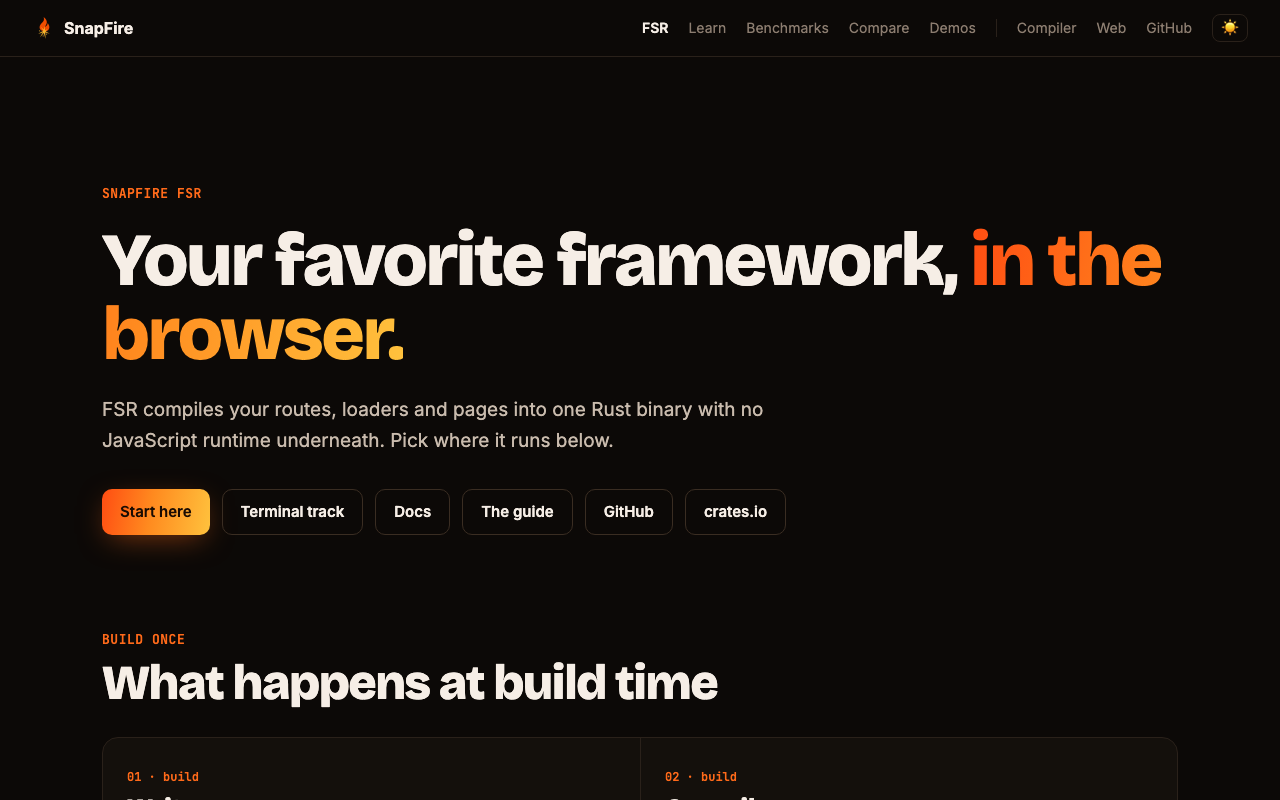
The main app, React pages rendered by the host
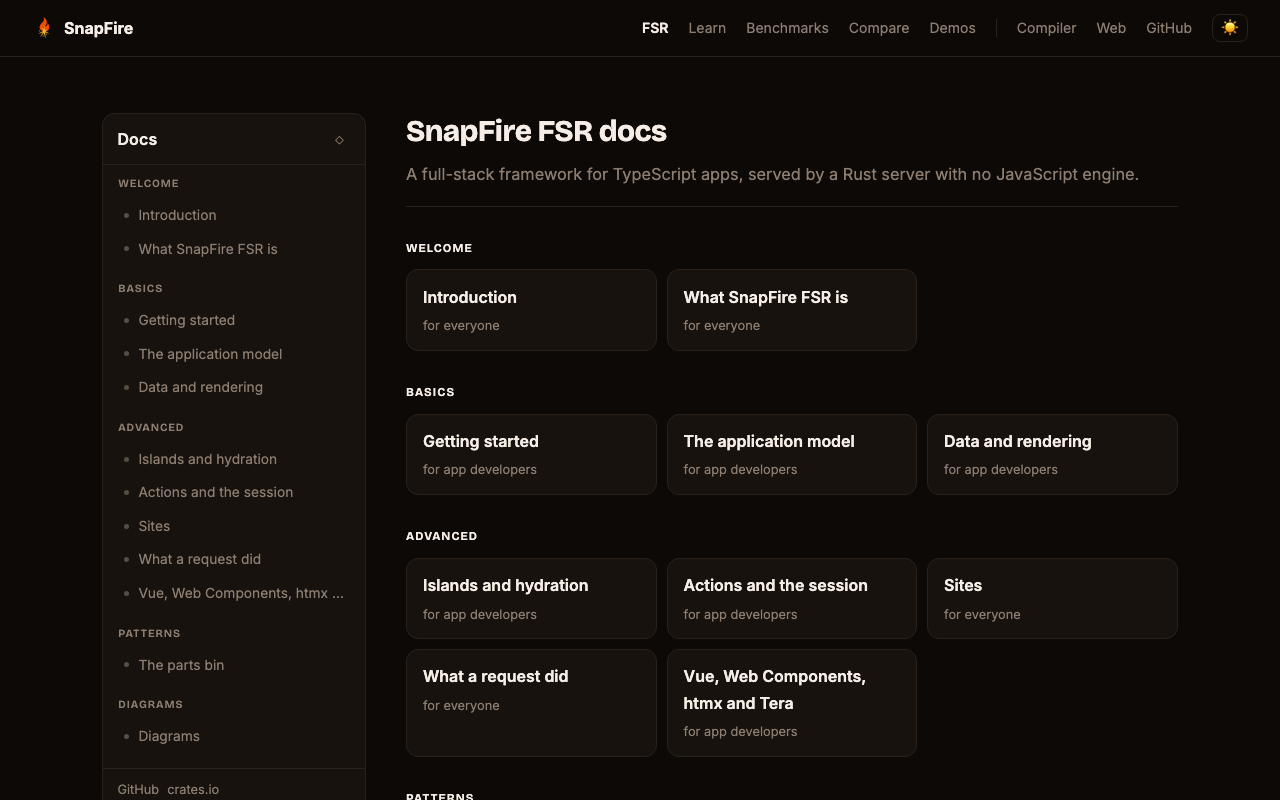
Docs, its own app at /fsr/docs
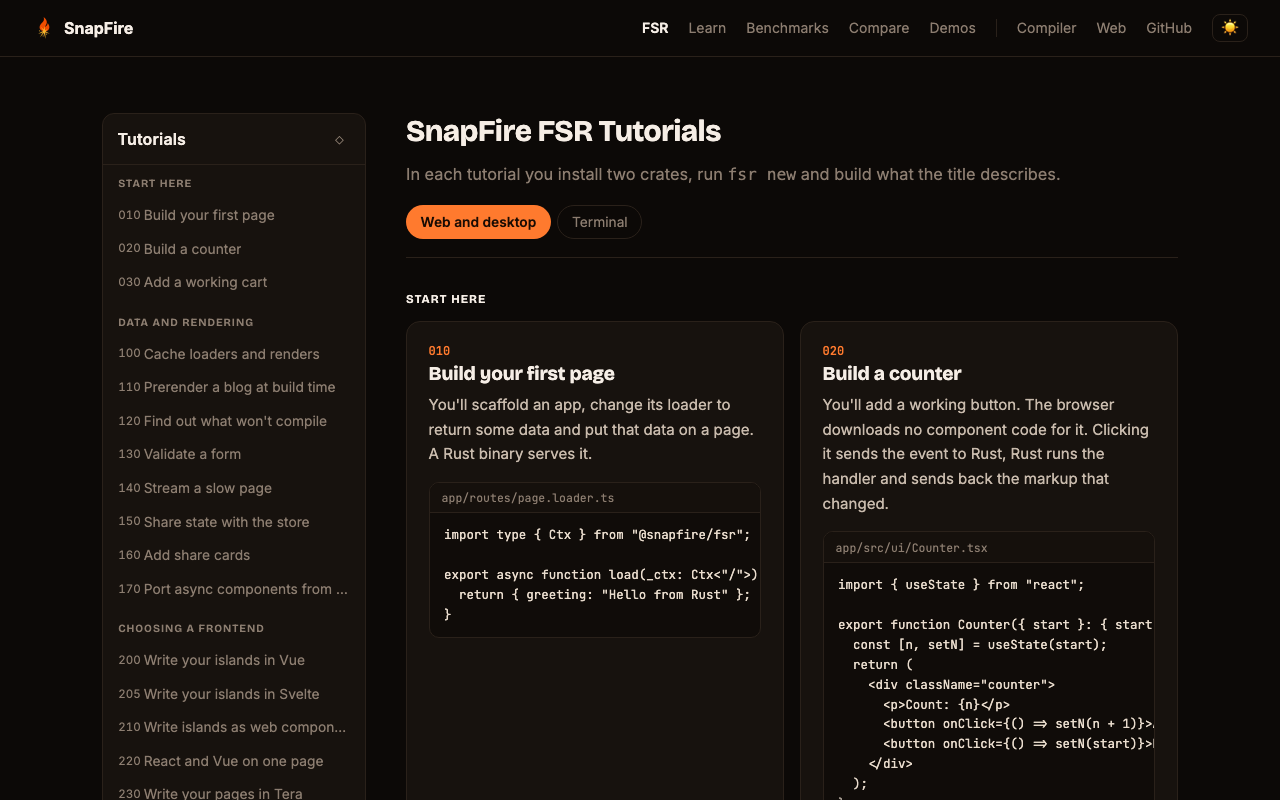
Tutorials, its own app at /fsr/learn
The shop as a desktop app
FSR opens the operating system's own webview on the pages, loaders, actions and islands the website serves. fsr serve --desktop runs the Rust host in the window's process. Under fsr dev --desktop the dev loop runs the host beside the window.
Your cart
- UIthe website's pages and islands, drawn by WebKit on macOS and Linux or WebView2 on Windows
- Hostthe FSR host, reached over loopback or, with
fsr serve --desktop, served in process atapp://localhost - Windowtitled from the app name and the page's
<title>, with a menu bar, Back, Forward and Reload - Bridge
openFile()from@snapfire/fsr/desktopopens the system file dialog andopenExternal(url)hands a link to the system
❯ cargo install snapfire_fsr_cli --features desktop
❯ fsr dev app --desktop
  the window stays open across rebuilds
❯ fsr serve app --desktop
  exits when the window closes
[desktop]
name = "Storefront"
serve = "scheme"    # fsr serve: app://localhost, no port
cookies = "disk"    # kept across launches
Experimental. Tried on macOS. The Windows and Linux code is written but not yet built or run. Packaging and signing do not exist yet.
No bundled Chromium, no Node.js
Electron ships a Chromium and a Node runtime inside every app and takes their security releases with them. FSR uses the webview the operating system already has and runs the Rust host in the same process.
The shop in a terminal
The root page is an Ink component. FSR lowers it to IR and runs it in its Rust binary: layout through taffy, each key steps the component's state and only the changed cells are redrawn.
❯ fsr dev app --terminal -- --limit 3

╭────────────────────────────╮
│ Your cart                  │
│ Ember mug              × 2 │
│ Flint notebook         × 1 │
│ Ash tote               × 1 │
│                            │
│ Total               $64.00 │
╰────────────────────────────╯
 ↑↓ move  x remove  ctrl-c quit
import { useState } from "react";
import { Box, Spacer, Text, useInput } from "@snapfire/fsr/terminal/ink";
import type { RootProps } from "@generated/client";

export default function Cart({ items }: RootProps) {
  const [rows, setRows] = useState(items);
  const [at, setAt] = useState(0);
  useInput((input, key) => {
    if (key.upArrow) setAt(Math.max(at - 1, 0));
    if (key.downArrow) setAt(Math.min(at + 1, rows.length - 1));
    if (input === "x") setRows(rows.filter((_, i) => i !== at));
  });
  return (
    <Box flexDirection="column" borderStyle="round" paddingX={1}>
      <Text bold>Your cart</Text>
      {rows.map((r, i) => (
        <Box key={r.sku}>
          <Text color={i === at ? "yellow" : undefined}>{r.name}</Text>
          <Spacer />
          <Text>× {r.qty}</Text>
        </Box>
      ))}
    </Box>
  );
}
import type { Ctx } from "@snapfire/fsr/host";
import { file } from "@snapfire/fsr/host";
export async function load({ params }: Ctx<"/">) {
const cart = JSON.parse(file.read("cart.json"));
const limit = Number(params.limit ?? 10);
return { items: cart.items.slice(0, limit) };
}{
"items": [
{ "sku": "mug", "name": "Ember mug", "qty": 2 },
{ "sku": "notebook", "name": "Flint notebook", "qty": 1 },
{ "sku": "tote", "name": "Ash tote", "qty": 1 }
]
}Ink's API, run by FSR
Claude Code, Gemini CLI, Qwen Code, Shopify CLI and the TypeScript Codex CLI draw their terminals with Ink on Node. FSR runs the same components with no Node and no React, so Node's security releases don't apply to it.
Spinners, inputs and text width
FSR has its own Spinner, TextInput, ms, stripAnsi, stringWidth and wrapAnsi under @snapfire/fsr/terminal. fsr migrate points imports of ink-spinner, ink-text-input and the rest at them. No npm install and no node_modules.
Does what a CLI does
file and path from @snapfire/fsr/host and system from @snapfire/fsr/terminal read the machine. Spawn git, keep timers running and read the arguments after -- as params.
Edit it while it runs
Save a component and the terminal redraws it with its state kept. No restart and no lost place.
Experimental. Only routes/page.tsx runs. Transform and measureElement are not supported yet. The loader runs once when the session opens, with no session and no service clients. Install it with cargo install snapfire_fsr_cli --features terminal.
Bring the app you have
fsr migrate reads a Next.js or Ink application and writes it as a new FSR project. It never writes to the original and names every line it could not rewrite.
- RoutesApp Router or Pages Router, getServerSideProps and async pages moved into loaders
- Actionsserver actions as FSR actions with typed inputs, Prisma calls as a service
- Componentsnext/link, next/image and metadata as Link, Picture and the loader's meta
- Inkroutes/page.tsx renders the component the entry rendered and the code that built its props becomes the root loader
❯ fsr migrate ./my-next-app ./my-fsr-app
from      Next.js App Router
wrote     14 files under ./my-fsr-app
note      app/routes/layout.tsx: the root layout's <head> was taken out;
          a route's head comes from its loader's meta
next      fsr add ./my-fsr-app/app clsx date-fns
next      fsr check ./my-fsr-app/app

❯ fsr migrate ./my-ink-tool ./my-fsr-tool
Next.js's own examples are migrated and built as a test. Many build afterwards and the build names what stops the rest.
Server attack surface
No JavaScript runs on an FSR server and npm never runs on your machine, so these classes of bug have nothing to reach. A fix in a Rust dependency ships with cargo update, without waiting for a SnapFire release.
Deserializing into a JavaScript runtime
On Node: A decoder that builds JavaScript objects from a request runs inside the server's runtime. React2Shell made the RSC decoder run code without sign-in. node-serialize ran any function a payload carried.
FSR: A request decodes against the action's typed contract into Rust values. There is no JavaScript heap for a crafted payload to build objects in.
Precedents: React2Shell, CVE-2025-55182 · node-serialize, CVE-2017-5941
Bugs in the runtime and the C it bundles
On Node: Node bundles V8, llhttp, undici, zlib and Brotli. A bug in any of them is in every Node server until Node ships a release and you deploy it.
FSR: No Node or Bun on the server, so none of that code runs in the host.
Precedents: Node Brotli decoder, CVE-2026-111497
Prototype pollution
On Node: A request body with a __proto__ or constructor.prototype key that reaches a deep merge writes to the prototype every object in the process shares. That can flip a check like user.isAdmin for every later request. Through a template engine it can lead to code execution.
FSR: The IR has no prototypes, so there is no shared object to write through.
Precedents: lodash, CVE-2019-10744
Code injection through eval and templates
On Node: eval, new Function and template engines turn strings into code while the server runs. In ejs 3.1.6 a request option became an operating system command when the template compiled.
FSR: The IR is a fixed set of operations written at build time. A request cannot add one.
Precedents: ejs, CVE-2022-29078
npm install scripts on your servers
On Node: A Node deploy runs npm install or npm ci on the machine that builds or serves the app. npm runs every dependency's preinstall and postinstall script there by default, with that machine's credentials. The compromised ua-parser-js installed a cryptominer and a password stealer this way. Shai-Hulud stole npm, GitHub and cloud tokens and published itself into its victims' other packages.
FSR: Packages are vendored for the browser and never run in the host. fsr add runs no install script. A package added with --published is checked against the registry's integrity hash.
Precedents: ua-parser-js, 2021 · Shai-Hulud, 2025
Regular expression DoS in routing
On Node: path-to-regexp turns routes into regular expressions. A route with two parameters in one segment backtracked on a crafted URL and held Node's one event loop, so every other request waited.
FSR: Routes match through a radix tree with no regular expression. A pattern in your own code that nests unbounded quantifiers is refused instead of run.
Precedents: path-to-regexp, CVE-2024-45296
The Server Attack Surface row compares all eight frameworks. What FSR removes and what it leaves to you →
Other projects
Build your first page
The first tutorial starts from an empty directory and ends with a page served by Rust.